As a freelance digital marketing expert in calicut and graphic designer , I have worked
with both tools extensively — designing brand identities, social media content, logos, and
marketing materials for businesses across North Kerala. In this post, I will break down
exactly what each tool does, who it is for, and which one your business should be using
in 2026.
Both tools are powerful. Both are widely used. But they serve very different purposes —
and choosing the wrong one can cost you time, money, and the professional image your
business deserves.
Every business owner in Kozhikode, Malappuram, or anywhere across North Kerala eventually
faces the same question when it comes to design: “Should I use Canva or Adobe?”
WHAT IS CANVA?
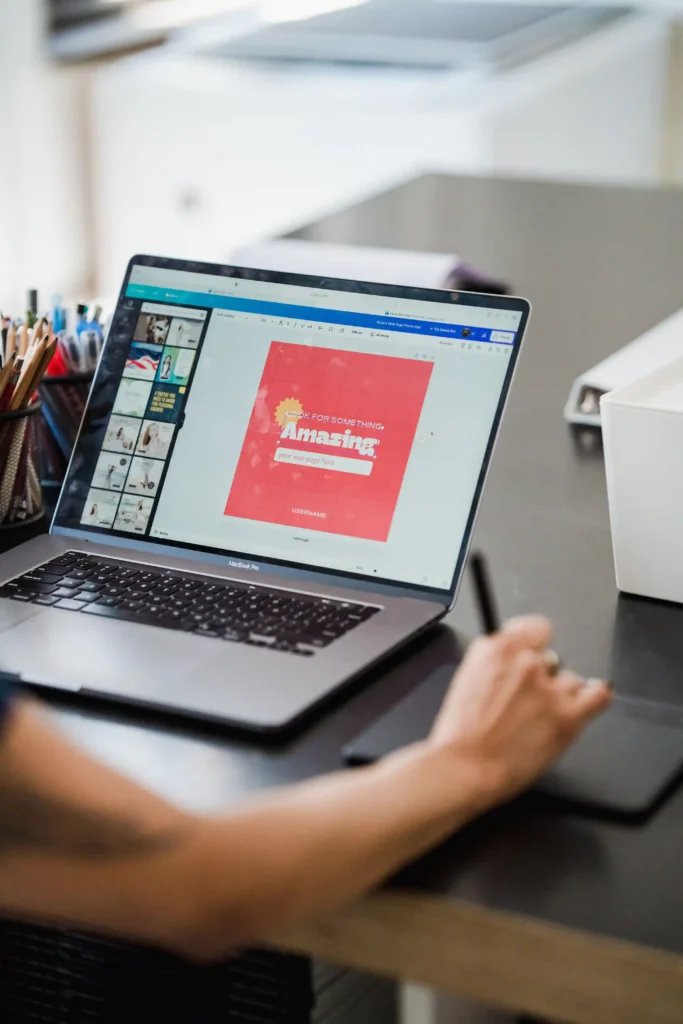
Canva is a web based design platform built for non-designers. Launched in 2013, it has
grown into one of the most popular design tools in the world — and for good reason.
With a simple drag-and-drop interface and thousands of ready made templates, Canva allows
anyone to create good looking social media posts, presentations, flyers, and basic marketing
materials without any design training.
CANVA PROS:
→ Free to start the free version covers most everyday needs
→ Canva Pro (~₹4,000/year) unlocks premium templates, brand kits, and background remover
→ Available on mobile — design on your phone from anywhere
→ Huge library of templates for Instagram, Facebook, WhatsApp, and print
→ Easy for business owners to manage their own daily social media content
→ Collaboration features — share and edit designs with your team
CANVA CONS:
→ Limited creative control — you are largely working within pre-set templates
→ Not suitable for complex or technically precise design work
→ Canva logo files are not true vectors — they can lose quality at large print sizes
→ Designs can look similar to competitors using the same templates
→ Not industry-standard for professional branding or agency-level work
WHAT IS ADOBE?
Adobe is the global industry standard for professional design. The two most relevant tools
for business design are Adobe Photoshop (for photo editing and raster graphics) and
Adobe Illustrator (for logo design and vector-based artwork).
Unlike Canva, Adobe tools are built for professional designers — with full creative control,
precision, and output quality that meets both digital and high-end print standards.
ADOBE PROS:
→ Industry-standard — accepted by printers, agencies, and brands worldwide
→ Adobe Illustrator creates true vector files — your logo scales perfectly from a
business card to a 10-foot billboard without losing quality
→ Full creative control over every design element, colour, and layer
→ Best for: logo design, brand identity, product packaging, and professional print materials
→ Photoshop is unmatched for photo editing, retouching, and image manipulation
→ Trusted by professional graphic designers globally
ADOBE CONS:
→ Steep learning curve — takes months of practice to use confidently
→ Higher cost — Adobe Creative Cloud subscription is approximately ₹4,230/month
→ Not practical for business owners who just need quick daily social media posts
→ Requires a laptop or desktop — not designed for mobile-first workflows
CANVA VS ADOBE: SIDE-BY-SIDE COMPARISON
Ease of use Very Easy Requires Training
Cost Free / ₹4,000/yr ~₹4,230/month
Best for Social media, Logos, branding,
flyers, posts print, packaging
File quality Good (raster) Professional (vector)
Mobile friendly Yes Limited
Templates Thousands None (build from scratch)
Logo design Basic only Professional standard
Print quality Limited Full professional print
WHICH TOOL IS RIGHT FOR YOUR BUSINESS?
The answer depends on your situation:
→ You manage your own social media content daily → USE CANVA
→ You need a professional logo or full brand identity → USE ADOBE (or hire a designer)
→ You are a beginner with a limited budget → START WITH CANVA FREE
→ You need print-ready materials (banners, packaging) → USE ADOBE
→ You want both — daily posts AND pro branding → CANVA daily + ADOBE for brand assets
THE SMARTEST APPROACH FOR NORTH KERALA SMALL BUSINESSES IN 2026
Here is the strategy I recommend to my clients across Kozhikode, Malappuram, Kannur,
and Kasargode — and it works exceptionally well for small businesses with limited budgets:
Step 1: Invest once in a professional graphic designer who uses Adobe Illustrator to
create your logo, brand colours, typography, and core brand identity. This is a one-time
investment that will serve your business for years.
Step 2: Load those brand assets into Canva. With your logo, colours, and fonts locked in
as a Canva Brand Kit, you can now create all your day-to-day social media posts, flyers,
and promotions yourself — while always looking consistent and professional.
Step 3: Return to your designer for high-stakes design work — new product launches,
packaging, large format printing, or when your brand needs a refresh.
This approach gives you the best of both worlds: professional, Adobe-quality branding
at the foundation, with the speed and affordability of Canva for everyday content.
It is cost-effective, practical, and perfectly suited to the North Kerala business market
where budgets are real and ROI matters.
FINAL VERDICT
Canva and Adobe are not competitors they are complementary tools that serve different
stages of your business design journey.
If you are just starting out, Canva is your best friend. If you are serious about building
a memorable, professional brand that stands out in the Calicut or Malappuram market,
Adobe — in the hands of an experienced graphic designer — is the investment that makes
the difference.
Not sure which approach is right for your business? I offer graphic design and branding
consultations for businesses across North Kerala. Let us build something that truly
represents who you are.
FAQ
Q: Is Canva good enough for professional business design in Kerala?
A: Canva is excellent for social media graphics, presentations, and everyday marketing
materials. However, for professional logo design, brand identity, or print ready artwork,
Adobe Illustrator or Photoshop used by a professional graphic designer delivers
significantly better and more scalable results.
Q: Is Adobe too expensive for small businesses in Calicut?
A: Adobe Creative Cloud costs around ₹4,230/month, which can be high for small businesses.
The smarter option is to hire a freelance digital marketing expert or graphic designer in Calicut who uses Adobe
professionally for your core branding, and use Canva yourself for routine daily content.
Q: Can I use Canva for logo design?
A: Canva can create basic logos, but they are not true vector files — meaning they may
lose quality when scaled to large print sizes like banners or signboards. For a scalable,
professional logo, Adobe Illustrator is the industry standard and worth the investment
through a professional designer.
Q: What design tool do professional graphic designers in Calicut use?
A: Most professional graphic designers in Calicut and across Kerala use Adobe Illustrator
for logo and brand design, Adobe Photoshop for image editing, and Canva for quick
turnaround social media content when clients need fast delivery.
Q: Which is better for Instagram posts Canva or Adobe?
A: Canva is generally better for creating Instagram posts quickly, especially for business
owners who manage their own accounts. It has ready-made Instagram templates, the right
dimensions, and direct scheduling integrations. Adobe Photoshop can produce higher quality
results but requires more time and design skill.